Product Page
Arduino DC Voltmeter with OLED | Measure 0-50V | StudentPorjects.pk
₨ 15,000
[yith_wcwl_add_to_wishlist]
Need some help?
Contact Us
Product Ships in
2-3-business Days
Payment Methods:
Buy Arduino DC Voltmeter with OLED | Measure 0-50V Student Projects in Lahore
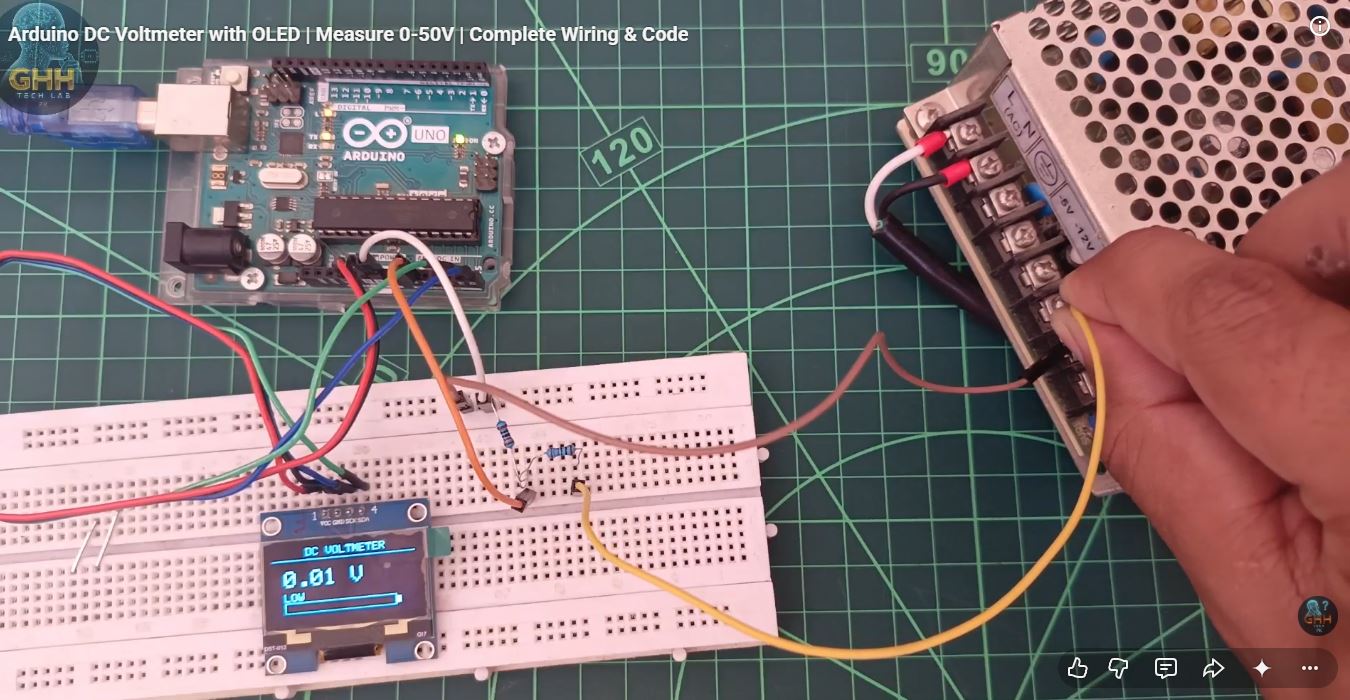
COMPONENTS USED: • Arduino Uno/Nano (any board works) • SH1106 OLED Display (128x64 I2C) • 100kΩ Resistor (R1) • 10kΩ Resistor (R2) • Breadboard & Jumper Wires COMPLETE WIRING DETAILS: VOLTAGE DIVIDER CIRCUIT: Test Voltage Input (+) → 100kΩ Resistor → Arduino A0 Pin → 10kΩ Resistor → GND The junction between both resistors connects to A0 SH1106 OLED to ARDUINO: OLED VCC → Arduino 3.3V OLED GND → Arduino GND OLED SCL → Arduino A5 (Uno/Nano) OLED SDA → Arduino A4 (Uno/Nano) IMPORTANT: If using Arduino Mega, SCL=21, SDA=20 HOW THE VOLTAGE DIVIDER WORKS: Arduino reads 0-5V only. The divider scales down input voltage
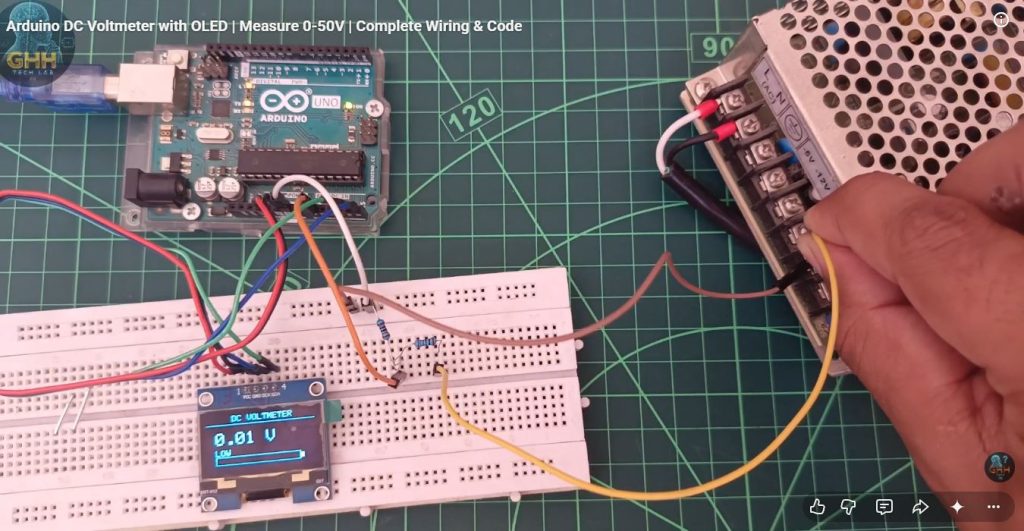
Arduino DC Voltmeter with OLED | Measure 0-50V | Complete Wiring & Code
- Ratio = (R1 + R2)/R2 = (100k + 10k)/10k = 11
- Vin = Vout × 11
- Example: 5V input → A0 sees 0.454V → displays 5V
- Example: 50V input → A0 sees 4.54V → displays 50V
ARDUINO CODE: Donwload
REQUIRED LIBRARIES (Install via Library Manager): • Adafruit SH110X by Adafruit • Adafruit GFX Library by Adafruit TROUBLESHOOTING: If display shows 50V for 5V input → Your resistor ratio is wrong. Check if you used 1kΩ instead of 10kΩ for R2. If OLED doesn't work → Run I2C scanner. Common addresses: 0x3C or 0x3D If readings fluctuate → Add capacitor (100nF) from A0 to GND
https://www.youtube.com/watch?v=8rF9AxD6reQ